
Publishing News
How to Format Your Manuscript for Book Design the Right Way
LaunchPad Books Editorial ·
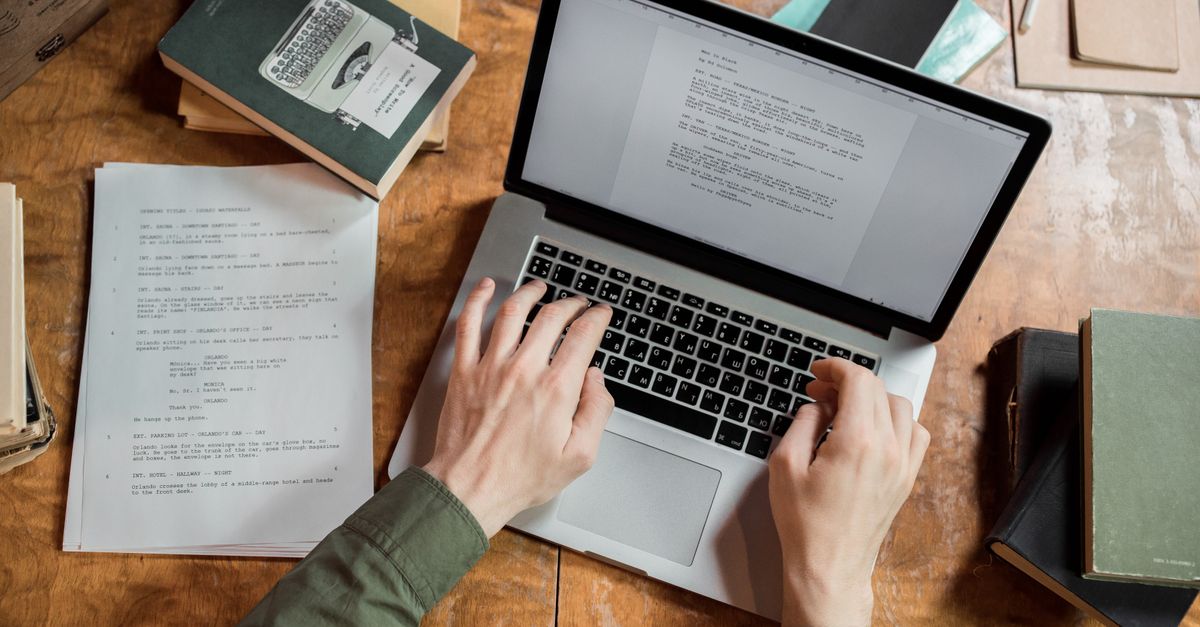
To format a manuscript for book design, hand your designer a clean Word file that uses paragraph styles to mark structure rather than manual formatting that fakes appearance. That single shift, marking what each line is instead of what you wish it looked like, is the difference between a file that flows smoothly into professional layout and one that burns hours (and your budget) in cleanup.
Here is the hard truth most authors never hear until it is too late: nearly every bit of visual styling you lovingly added in Word gets stripped out before your book is typeset. The flourishy drop caps, the gray boxes, the hand-picked header fonts, the careful spaces around your em dashes. Poof. Gone. A designer rebuilds all of it from scratch in dedicated software, usually Adobe InDesign, against a custom page layout. Your Word formatting does not carry over; it just gets in the way.
Why your manuscript is not the place for design
Word, Vellum, and Atticus can make pages look finished on your screen, and that satisfaction is exactly what trips authors up. A book designer does not import your aesthetic choices. They import your text and your structure, then apply a layout built around the finished book: trim size, cover type, margins, typeface pairing, and chapter openers.
When you preformat with manual fonts and colors, you are not saving the designer work. You are creating it. Every override has to be located and removed so it does not corrupt the new layout. That cleanup is billable, which is why an over-designed manuscript almost always costs more than a plain one. If you are weighing professional help, it is worth asking up front how a clean file affects your quote when you book cover and interior design.
Before you send anything, ask your designer one question: what can I do to make your work easier and more accurate, so you can focus on design instead of cleanup? Their answer will save you both money and revisions.
Formatting versus design: the distinction that matters
This is the idea most formatting guides skip, and it is the whole game. Formatting tells the designer what a line is. Design decides what it looks like.
A heading is a heading because of its role in the structure, not because you made it 18-point bold and centered. When you apply Word's built-in Heading 1 style to a chapter title, you are sending a machine-readable signal: this is a chapter opener. The designer maps that signal to a beautiful chapter style in their layout in seconds. When you instead hand-format that title with a big font and manual spacing, the designer sees only decorated body text and has to interpret your intent line by line.
So the job in Word is to label structure consistently, not to decorate it.
Use paragraph styles, not manual formatting
Open the Styles panel in Word and use it for everything. Map every paragraph to a structural role:
- Heading 1 for chapter titles and part titles.
- Heading 2 and Heading 3 for nested subheadings, used in order and never skipped.
- Normal or Body Text for ordinary paragraphs.
- Block Quote for extended quotations and epigraphs.
- A dedicated style for captions and for any special element like a sidebar.
Apply these styles consistently and your whole document becomes self-describing. The single most important quality of a clean manuscript is consistency: whatever convention you choose, use it the same way from the first page to the last.
What to strip out before you send the file
Most cleanup headaches come from a short list of well-meaning habits. Remove these before delivery.
| Common author habit | What to do instead |
|---|---|
| Multiple returns or spaces to push text to a new page | Use a single page break, or let the designer handle chapter starts |
| Tabs or spaces to indent the first line of paragraphs | Set first-line indent in the paragraph style, not by hand |
| Manual page numbers, headers, or footers | Delete them; the designer builds running heads and folios in layout |
| Custom fonts, colors, and font sizes for emphasis | Use the Bold and Italic character styles only where meaning requires |
| Spaces on each side of em dashes | Follow one consistent style; let the designer set spacing |
| Two spaces after a period | Use one space, applied with find and replace throughout |
| Drop caps, dingbats, gray boxes, decorative rules | Describe the intent to the designer; do not build it in Word |
None of this means your preferences do not matter. It means they are decisions you make with your designer in advance, when you agree on the look of the pages, not things you bake into the manuscript and hope survive.
Clean the editorial layer too
Two cleanup steps get overlooked and they cause real friction.
First, accept or reject all tracked changes and delete every margin comment. Your designer is not there to settle open questions between you and your editor, and stray comments can leak into the layout. If your manuscript is still in editorial flux, finish that stage first; solid professional editing before design keeps you from paying to typeset text you later rewrite.
Second, do not embed photos directly in the Word file for print. Instead, mark placement with a clear in-text callout the designer can find, like this: [photo 35.jpg: My sister on the left and I hiked the Grand Canyon in 2016.] Then deliver the actual high-resolution images as separate files in a folder, named to match each callout exactly. Print images are large, so send them through Dropbox or Google Drive rather than cramming them into the document.
Lock the physical specs early
Before layout begins, the designer needs to know the finished page size (6 x 9 and 5.5 x 8.5 are common), the cover type (soft, hard, or jacketed), and which formats you want: paperback, hardcover, ebook, and audiobook. These choices are not cosmetic. A trim size that is too large for a short book leaves a spine too narrow to print a title; a designer might widen margins to give a thin book more presence. Knowing your distribution plan, whether you are going wide or focusing on ebook publishing first, shapes the files you will ultimately need.
If part of your plan includes an audio edition, flag that early too, since the manuscript you approve becomes the script your audiobook production works from.
A simple pre-delivery checklist
- Every line is mapped to a paragraph style; no manual heading formatting remains.
- All tracked changes are resolved and all comments deleted.
- No manual page numbers, headers, footers, or extra blank pages.
- One consistent style for indents, spacing, and em dashes throughout.
- Images referenced by in-text callout and delivered as separate high-resolution files.
- Physical specs (trim size, cover type, formats) confirmed with the designer.
Get those six things right and you have done your entire job as the author. The rest, the part that makes a book look like it belongs on a shelf, is craft your designer is trained to handle. The cleaner your file, the more of their hours go toward making your book beautiful rather than undoing your formatting.
If you would rather skip the guesswork entirely, LaunchPad Books pairs your manuscript with editors and book designers who handle layout, cover, and print production for you, and you keep every right and every royalty. Start with a free, no-pressure consultation through our self-publishing services and we will tell you exactly how to prep your file, so your first round of design comes back looking like the book you imagined.
Source: Jane Friedman
Ready to publish your book?
Talk to a real publishing advisor — free, no pressure.
Frequently asked questions
Should I design my manuscript in Word before sending it to a designer?
No. Any fonts, colors, drop caps, or decorative spacing you add in Word get stripped out during typesetting. Use Word only to mark structure with paragraph styles. The designer creates the actual visual design in software like InDesign.
What file format do book designers want for a manuscript?
A single Microsoft Word .docx file is the standard for the text. Provide images, charts, and illustrations as separate high-resolution files in a clearly named folder, shared through Dropbox or Google Drive since print images are too large to embed cleanly.
Why does an over-formatted manuscript cost more?
Designers bill for the time spent cleaning up unnecessary formatting before real design can begin. Manual fonts, tabs, extra returns, and inconsistent spacing all have to be removed, so a messy file adds hours and pushes up your quote.
What is the difference between formatting and design in a manuscript?
Formatting marks structure: which lines are headings, body text, captions, or block quotes. Design controls appearance: fonts, sizes, spacing, and layout. Authors handle structure with styles; designers own appearance during typesetting.



