
Publishing News
How to Format Your Manuscript for Book Design
LaunchPad Books Editorial ·
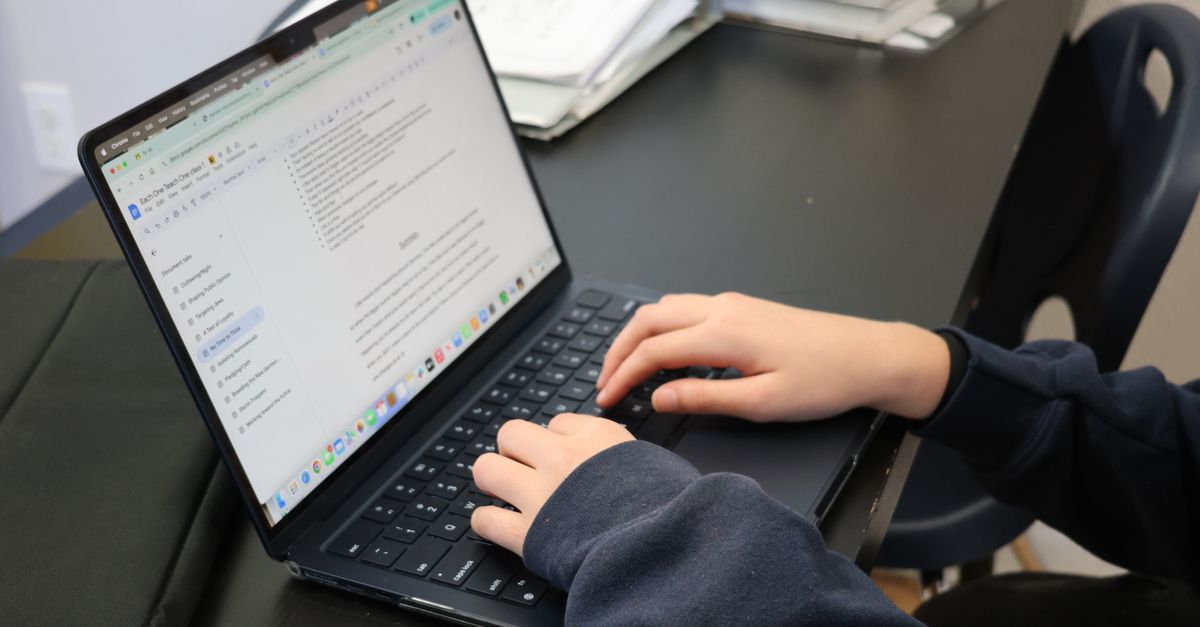
To format your manuscript for book design, hand your designer a clean Word file that marks structure with paragraph styles and strip out every decorative touch you added. Your designer does not want a pretty document — they want a consistent one. The flourishy chapter fonts, the gray boxes, the colored headings, the spaces you added around em dashes: all of it gets discarded the moment your file lands in professional layout software.
This is the single most misunderstood step in self-publishing, and getting it wrong quietly costs authors time, money, and a stack of avoidable errors. Here is what designers actually need, why, and how to deliver it.
Why your manuscript is not the place for design
Picture your Word file flowing into Adobe InDesign, where almost all professional interior layout happens. The designer has already built a custom framework — page size, margins, fonts, heading styles, spacing — based on your book length and genre. When your text pours into that framework, it adopts the designer template, not your Word styling.
So the romantasy author who picked an ornate script for chapter openings? Stripped. The business author with dingbats and shaded callout boxes? Gone. Every manual font change, color, and size you lovingly applied is overwritten or removed. You spent hours on visuals that vanish on import — and worse, the leftover codes can jam the designer workflow.
An over-decorated manuscript usually costs more, because many designers bill extra just to clean it up before the real work starts. The cruel irony: the effort you put into making your file look finished is the very thing that slows production and inflates the invoice.
The smartest question you can ask before sending files is simple — what can I do to make your work faster and more accurate, so you can focus on design instead of cleanup? That one email saves rounds of revisions.
Format means structure, not styling
Here is the distinction that fixes everything. In book production, format does not mean how something looks. It means what something is. Format tells the designer which lines are chapter titles, which are subheadings, which are body paragraphs, which are captions, and which are block quotes.
You communicate that structure using Word paragraph styles — Heading 1, Heading 2, Heading 3, Normal, Quote — not by manually bolding a line and bumping it to 18-point. When you apply a real style, the designer can map your Heading 1 to their chapter-title design with one click. When you fake it with manual formatting, they have to hunt down every fake heading by eye and re-tag it.
Most guides stop at telling you to use styles. Here is the part they skip: consistency matters more than which styles you choose. If you decide a scene break is a centered hash mark, make every scene break a centered hash mark. If body text is one style, never let stray paragraphs drift into a slightly different one. A clean manuscript is a consistent manuscript, top to bottom.
What to strip out before you send
- Custom or decorative fonts, font colors, and varied font sizes for effect
- Manual page breaks created by pressing Enter repeatedly to push a chapter to a new page
- Drop caps, dingbats, ornaments, and shaded or boxed sidebars
- Double spaces between sentences, and spaces added around em dashes
- Manual page numbers, headers, and footers
- Hand-adjusted line spacing and tweaks meant to fix widows and orphans
- Centered epigraphs and pull quotes styled by hand
What to keep and do consistently
- Paragraph styles that mark every structural element — headings, body, captions, block quotes
- One clear, repeatable convention for scene breaks and section breaks
- A single, clean body-text style used everywhere body text appears
- Italics and bold where they carry real meaning in the prose, since those travel with the text
A clean handoff checklist
When your edited manuscript is ready for the designer, run through this before you hit send. It mirrors what professional editing teams already do, and it removes the friction that creates production errors.
| Do this | Not this | Why it matters |
|---|---|---|
| Use Heading styles to mark chapters and sections | Bold and enlarge text by hand | Styles map instantly to the design template |
| Let chapters break naturally via styles | Press Enter many times to force a new page | Manual breaks scatter blank lines through layout |
| Accept or remove all tracked changes and comments | Leave editorial notes in the final file | The designer should not arbitrate open edits |
| Mark images with a text callout and supply files separately | Paste images into the Word document | Embedded images lose resolution and placement control |
| Use one consistent convention for every element | Style similar elements differently | Inconsistency forces manual, error-prone re-tagging |
How to handle images, captions, and tracked changes
Three details cause the most rework, so handle them deliberately.
Tracked changes and comments. Your final manuscript should be exactly that — final. Resolve every editorial question with your editor first, then accept all changes and delete all comments. A designer is not there to settle lingering debates between author and editor buried in the margins.
Image placement. Do not embed photos in the file. Instead, drop a bracketed callout where the image belongs, like this: [photo 35.jpg: My sister on the left and I hiked the Grand Canyon in 2016.]. Then deliver the real high-resolution files as separate items in a clearly named folder, with file names that match each callout. Print images are large, so move them through Dropbox, Google Drive, or another transfer service rather than email.
Alt text for ebooks. If you are producing an EPUB through ebook publishing, include short alt-text descriptions in your image callouts so your digital edition stays accessible.
Decide the big variables before layout begins
Before a designer styles a single page, they need to know the physical shape of the book. These choices ripple through every design decision, so settle them early.
- Trim size. Common options like 6 x 9 inches or 5.5 x 8.5 inches are driven by genre norms, comparable titles, and page count. A short book in an oversized trim can leave a spine too narrow to print text on.
- Cover type. Softcover, hardcover, or jacketed hardcover each changes the layout and the spine math, which is where professional cover design and interior design must agree.
- Editions. Paperback, hardcover, ebook, and audiobook can each demand different handling, and planning them together up front avoids reformatting later. If audio is on your roadmap, a clean manuscript also speeds audiobook production.
Page count interacts with all of this. A slim book can be bulked up with wider margins; a dense one may need a larger trim. Designers know these tricks, but only if you tell them your goals.
Clean files in, beautiful book out
The payoff for restraint is real. A consistently styled, decoration-free manuscript flows into layout cleanly, generates fewer errors, moves faster through production, and usually costs less to typeset. You also free your designer to spend their hours on craft — the page rhythm, the typography, the details readers feel but never name — instead of janitorial cleanup.
At LaunchPad Books we help authors publish, print, and promote their work while keeping every right and every royalty, and a clean handoff is where great-looking books begin. If you want a production team to take your finished manuscript and turn it into a polished paperback, hardcover, and ebook without the formatting headaches, start with a free consultation or compare options on our pricing page. Stop playing art director, send a clean file, and let your designer make it beautiful.
Source: Jane Friedman
Ready to publish your book?
Talk to a real publishing advisor — free, no pressure.
Frequently asked questions
Should I design my manuscript in Word before sending it to a book designer?
No. Decorative formatting — fancy fonts, colored headings, drop caps, gray boxes — gets stripped out when your file is imported into design software. Send a clean file that marks structure using Word styles and let the designer handle the visual look in InDesign.
What is the difference between formatting and design in a manuscript?
Formatting tells the designer what each element is — a heading, a caption, body text, a block quote. Design is how those elements look on the page. You supply structure with consistent Word styles; the designer makes the visual decisions during typesetting.
How do I mark images and photos in my manuscript?
Add an in-text callout where the image belongs, such as [photo 35.jpg: caption text here], and deliver the actual high-resolution files separately in a folder with names that match the callouts. Never paste images directly into the Word file.
Why does an over-formatted manuscript cost more to design?
Designers often charge extra to strip out manual spacing, fake styling, and stray codes before they can begin real layout. A clean, consistently styled file removes that cleanup work, lowers the risk of errors, and usually reduces your typesetting cost.



